¶ Edit My Profile
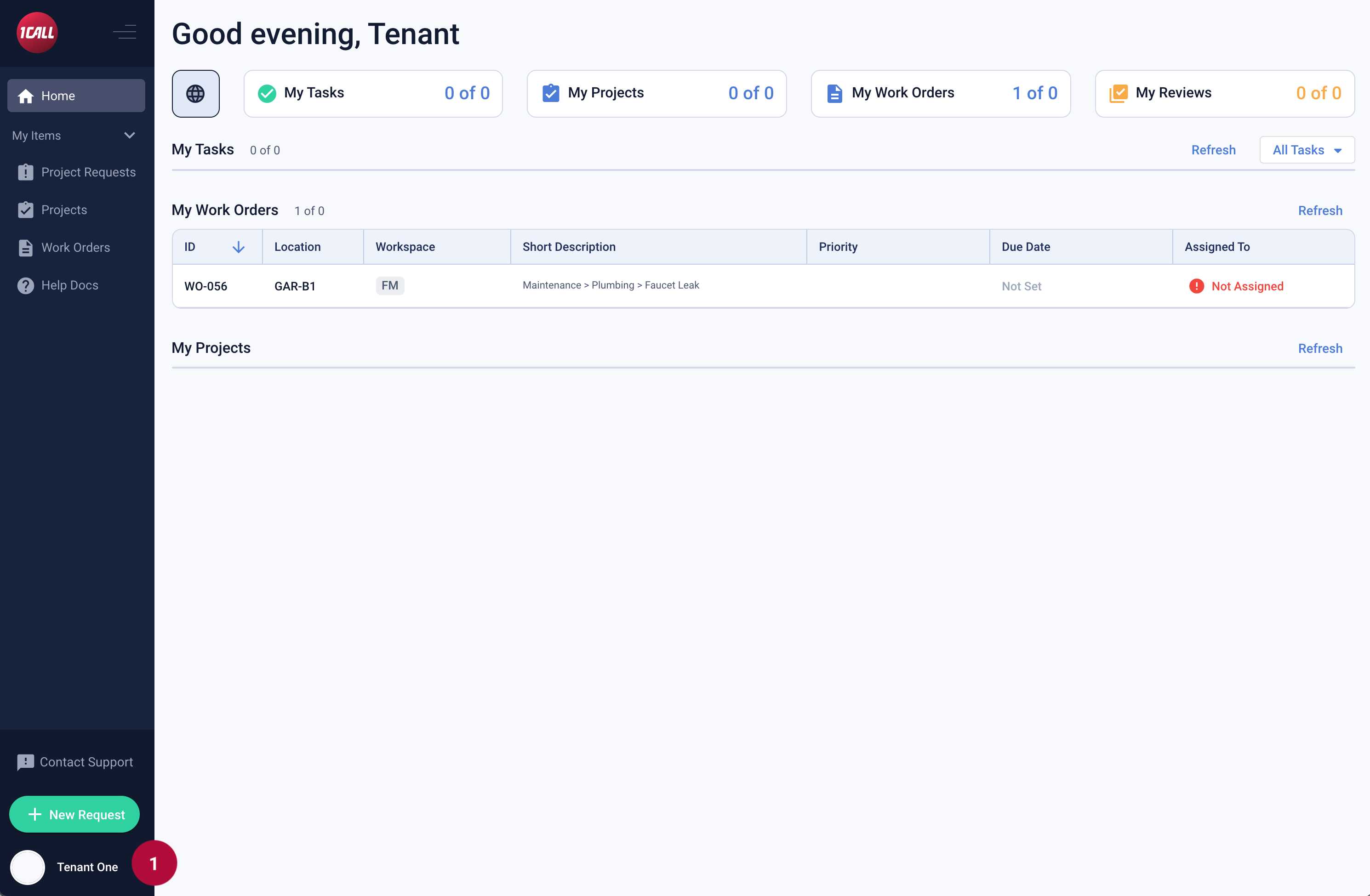 |
|
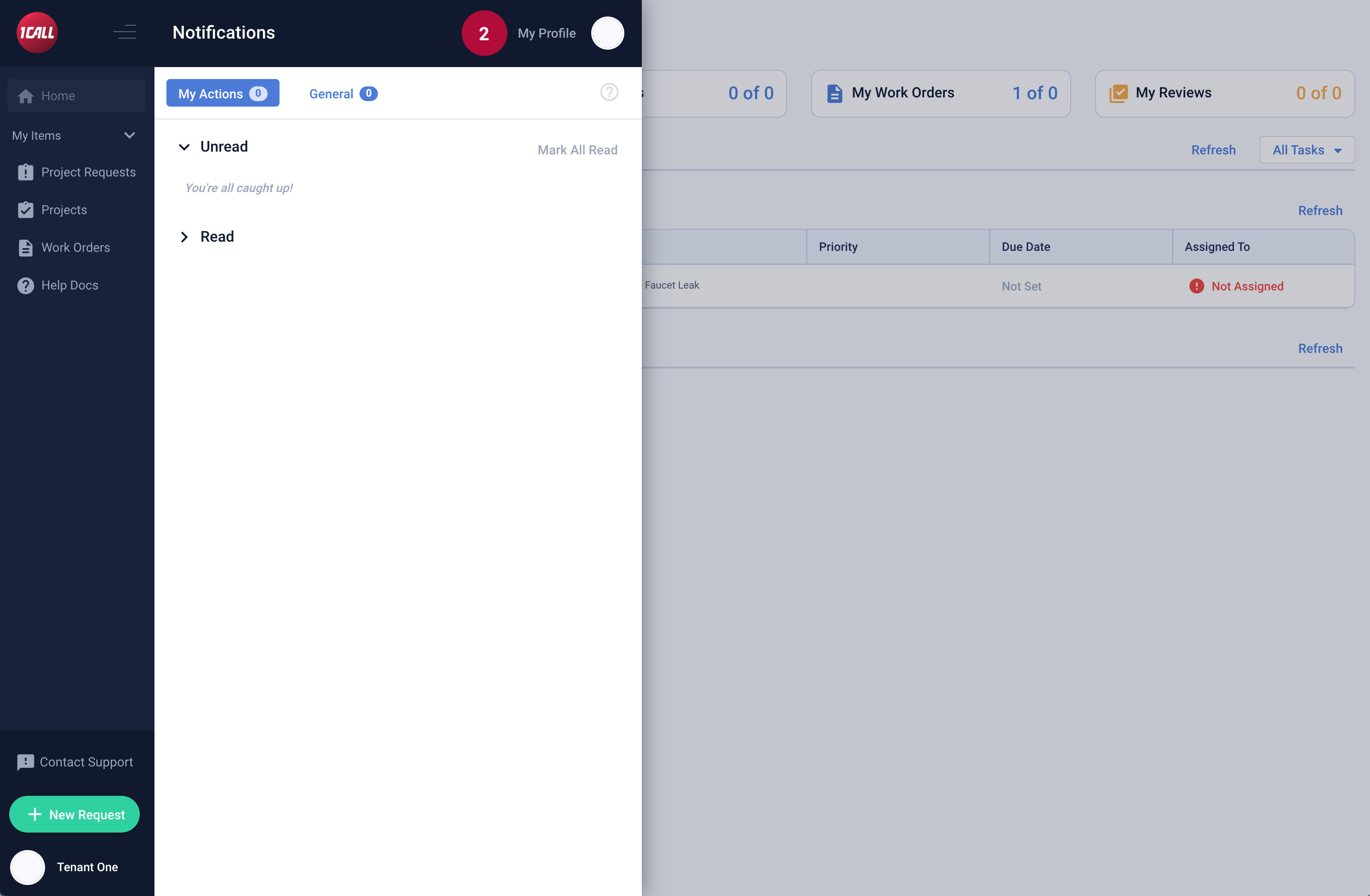 |
2. Select My Profile |
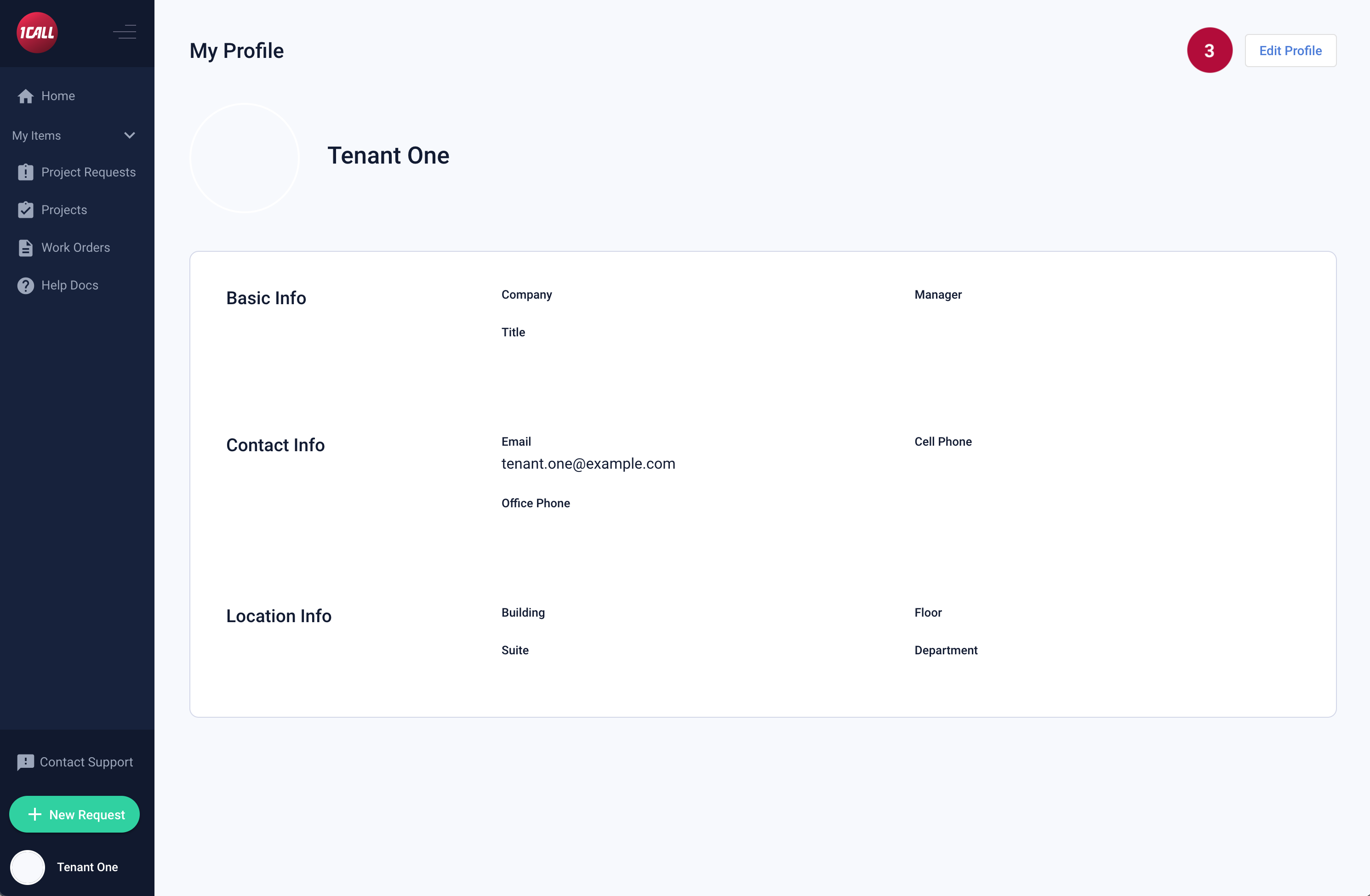 |
3. Select the Edit Profile button |
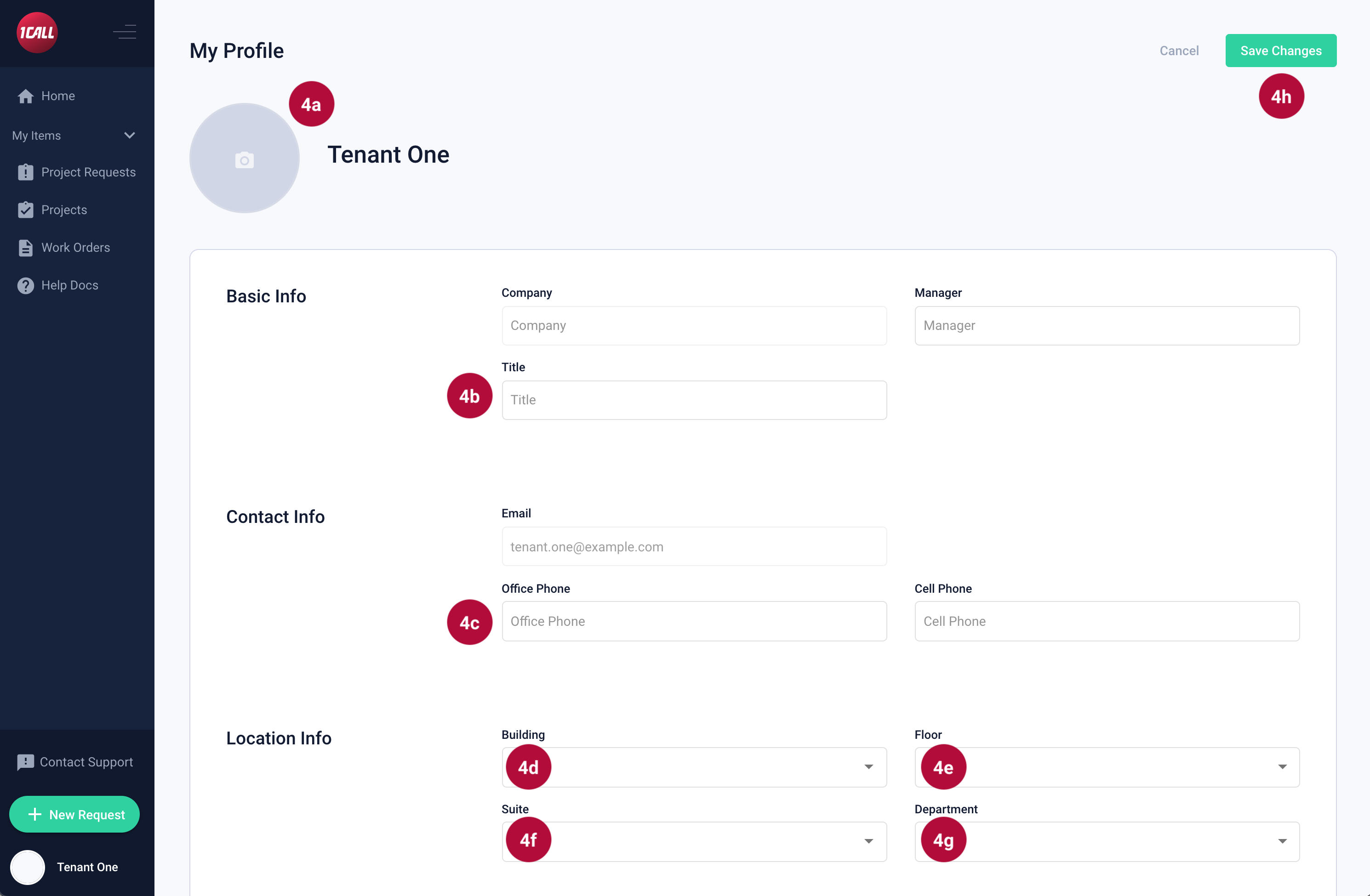 |
4a. Update photo (optional) 4b. Enter a Job Title 4c. Enter your Office Phone number 4d. Select the Building in which you are located. 4e. Select the Floor in which you are located. 4f. Select the Suite in which you are located. 4g. Select the Department in which you are located. 4h. Select the Save Changes button |
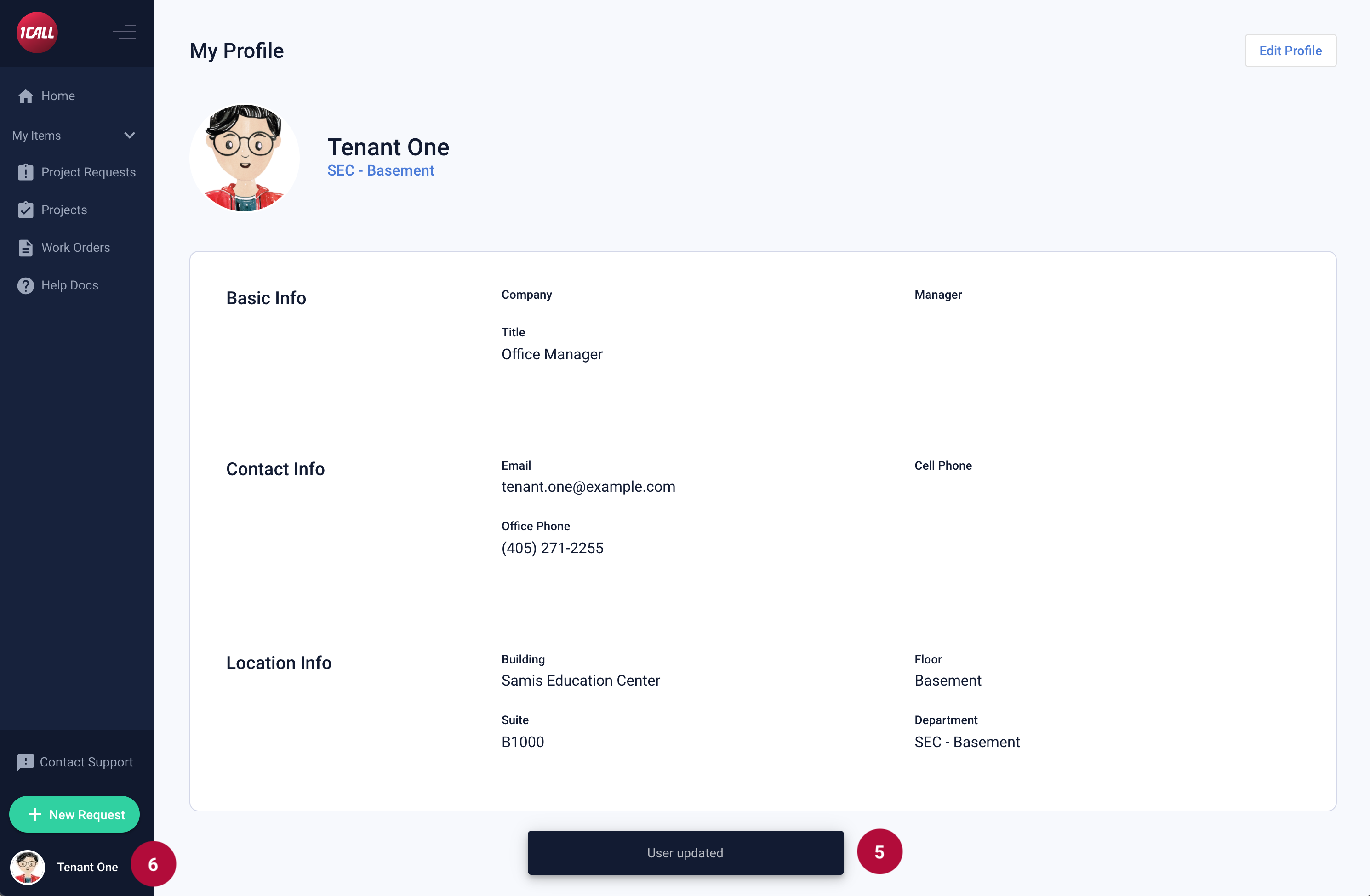 |
5. You will see a blue snack bar at the bottom of the page that states, “User updated”. 6. Your profile picture, if you uploaded one, will now show next to your name in the left navigation bar. |
¶ View My Profile
 |
|
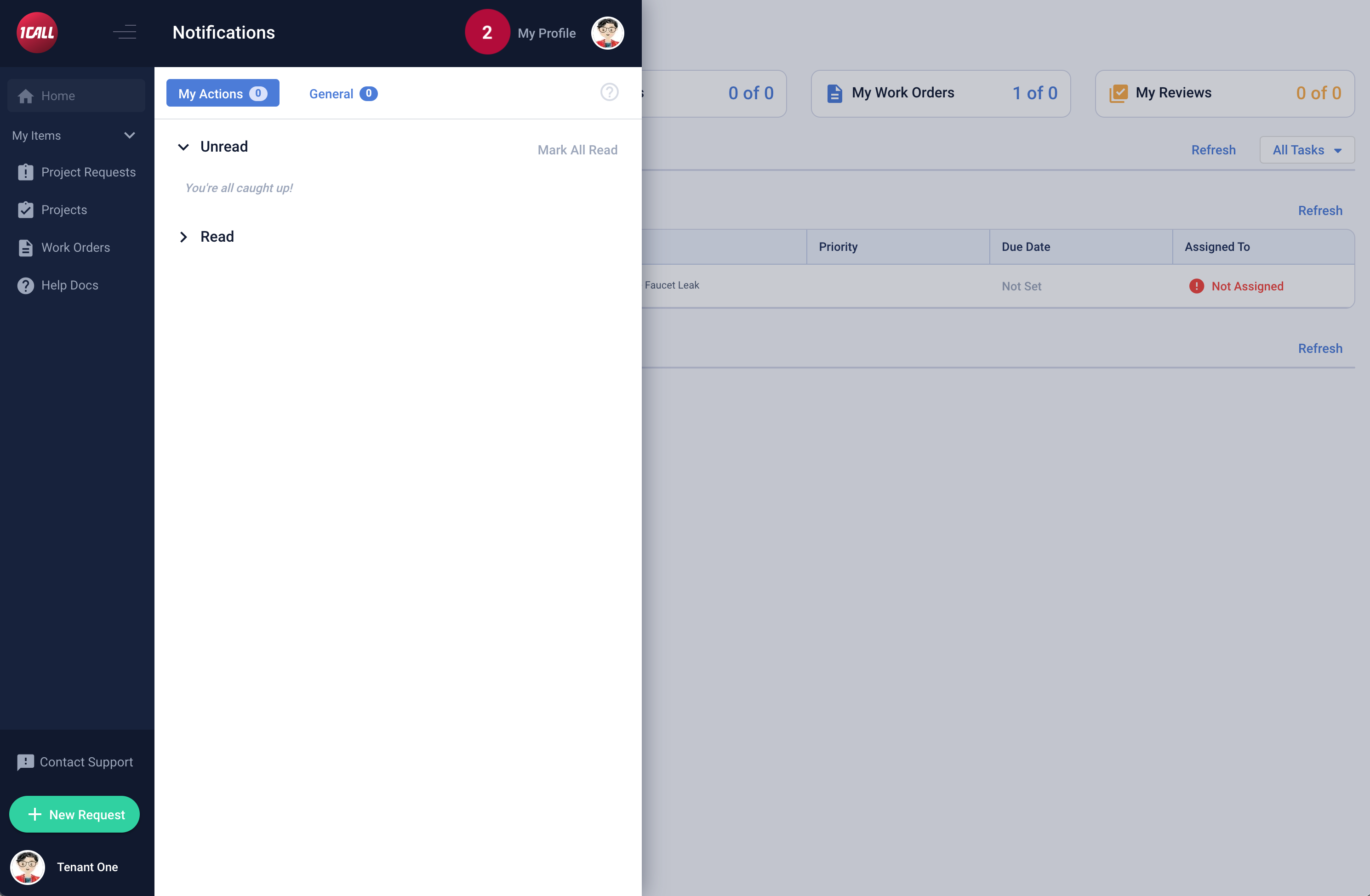 |
2. Select My Profile |
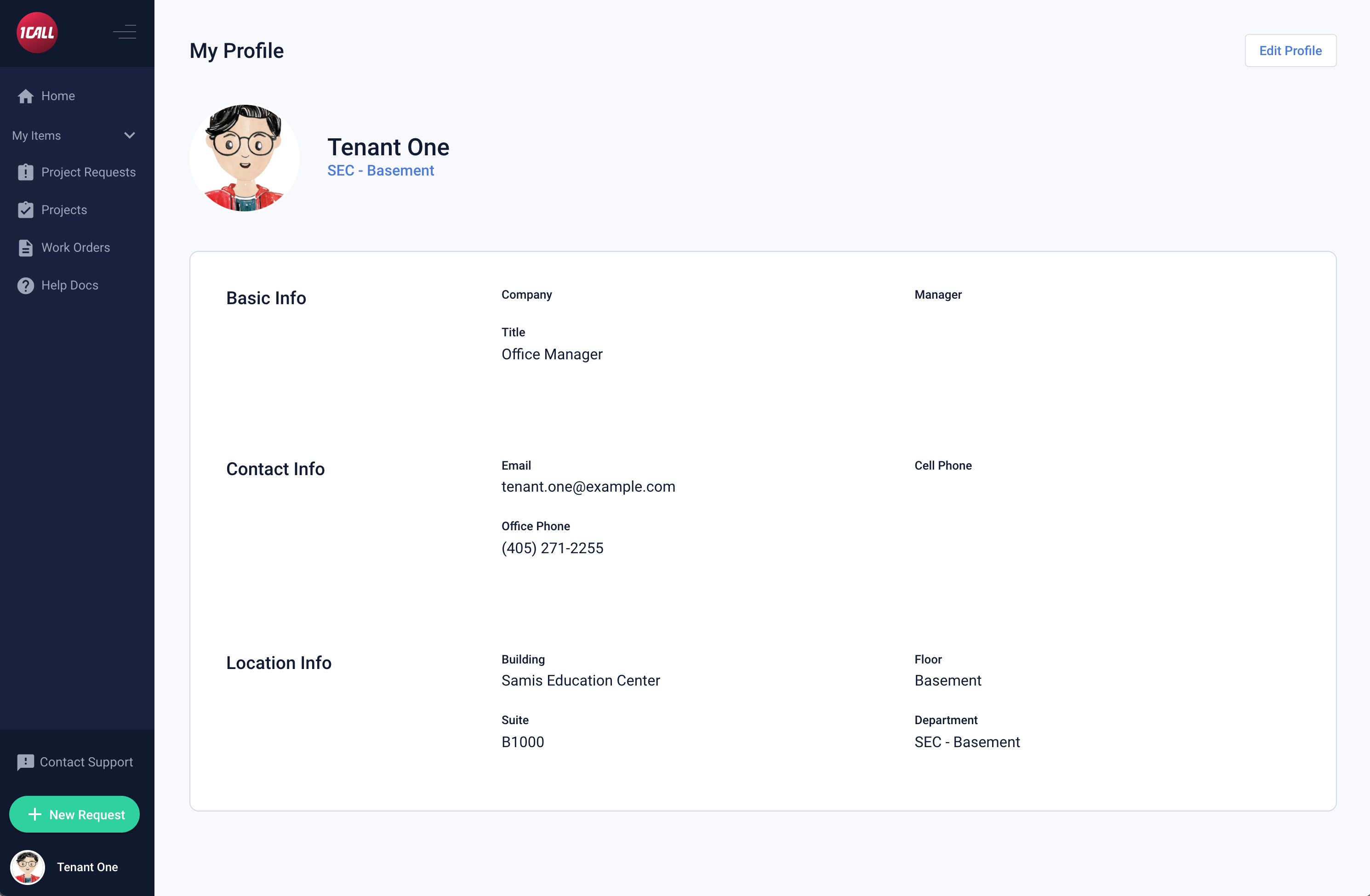 |
Your profile is displayed with your relevant Basic, Contact and Location information. |